
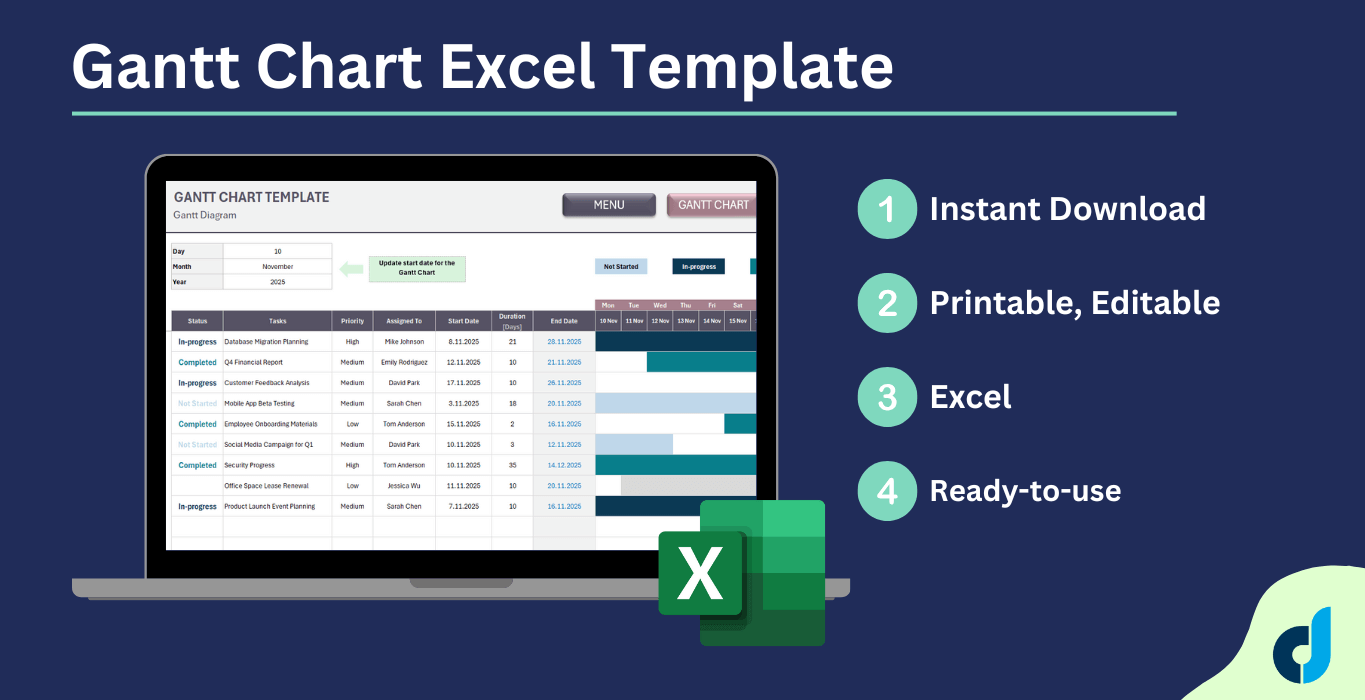
Gantt Chart Excel Template
Gantt Chart Excel Template. Simple task management tool. List your tasks and monitor entire project in a timeline. Editable Excel spreadsheet.
Gantt Chart Excel Template
Do you want to visualize your project timeline? Here’s our Gantt Chart Excel Template to create diagrams easily. Simple task management tool for teams and businesses.

Excel Gantt Chart Generator is perfect for:
- Project planning and scheduling
- Team task management
- Deadline tracking
- Resource allocation
- Timeline visualization
- Small to medium-sized projects
How to use Gantt Chart Excel Template?
The template basically includes two main sections:
- Menu
- Gantt Chart
Let look deeper into these sections.
1. Menu
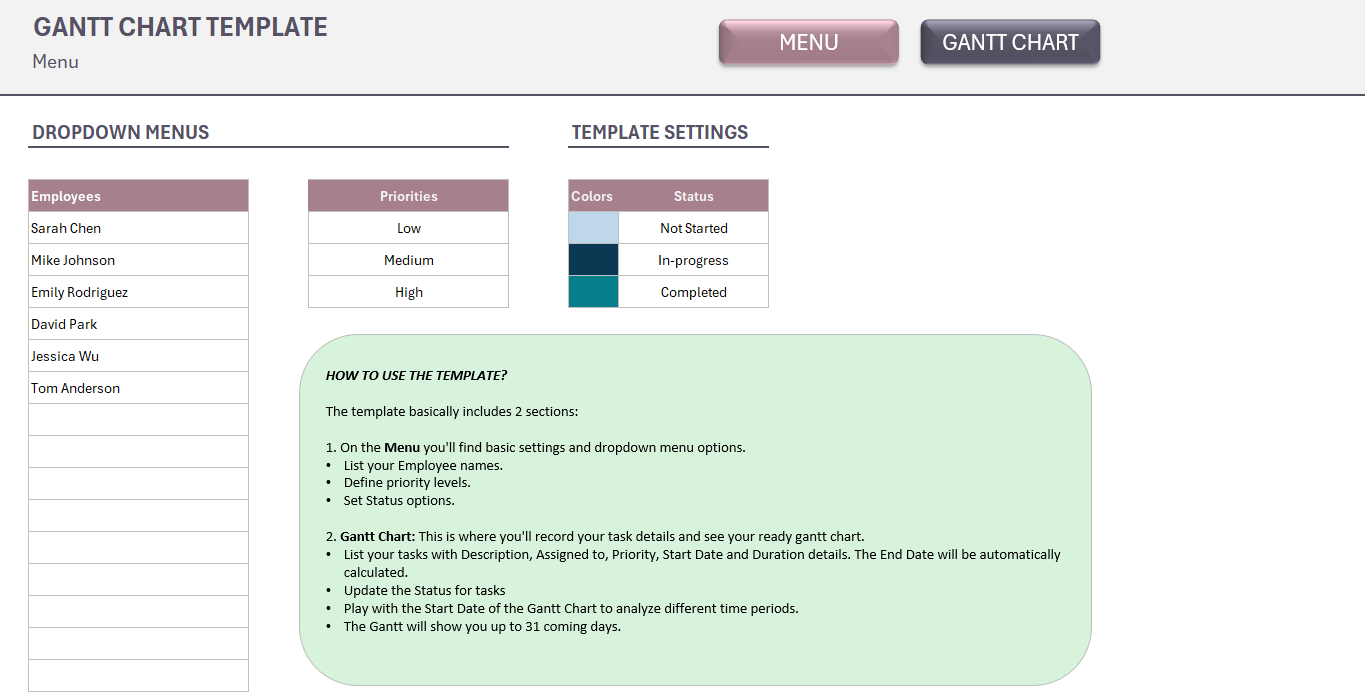
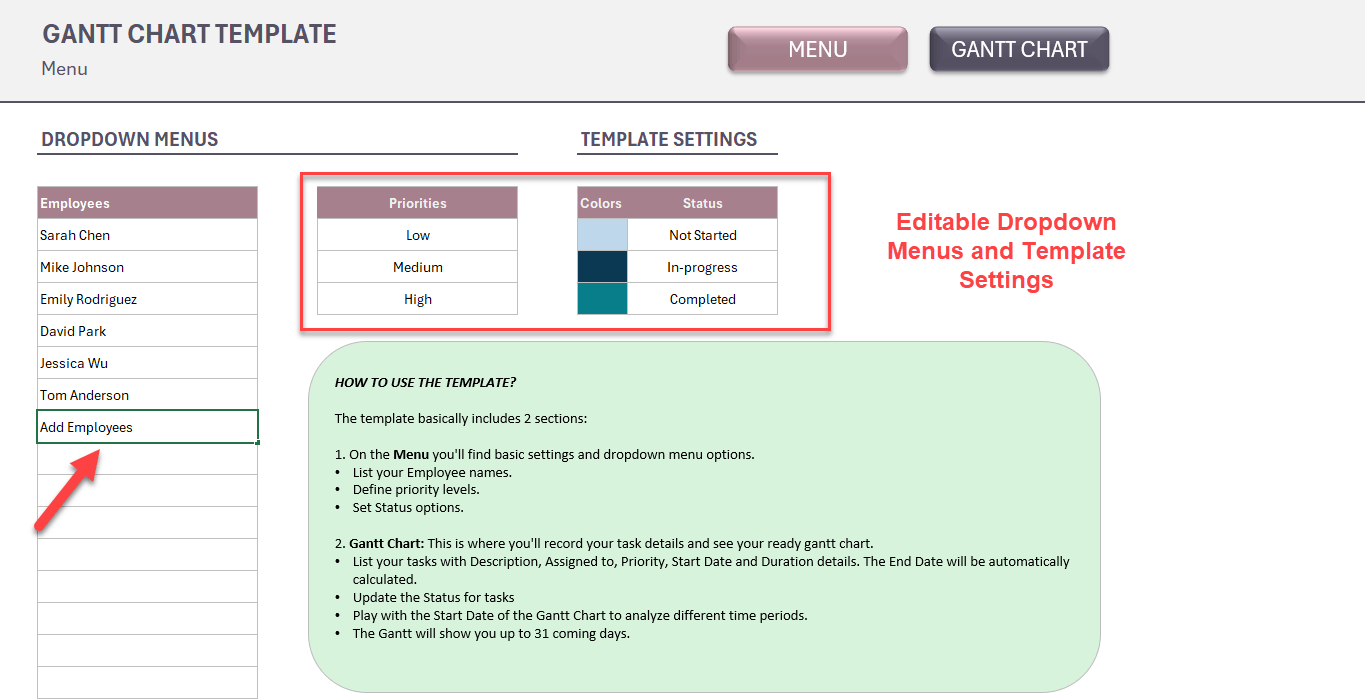
Firstly, you’ll start with setting your template. There’re very basic set ups here.
First of all, list your employees to whom you’ll assign tasks.
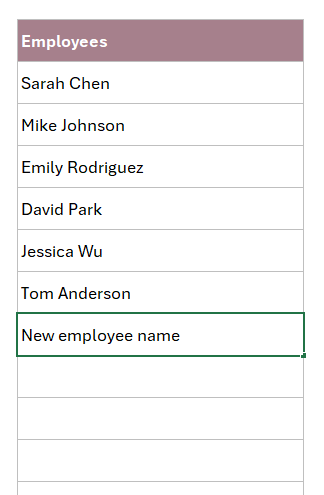
Then, you can edit Priority and Status options for Gantt Chart Excel Template.
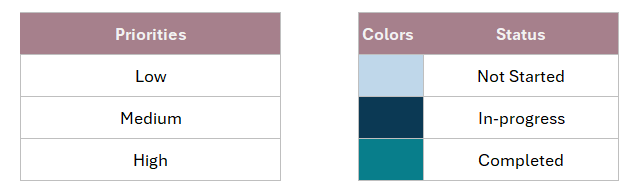
The color codes will be your display colors on the Gantt chart. So, you can only edit the Status names here.
Additionally, you’ll find a how to box in your menu to explain your template.
2. Gantt Chart
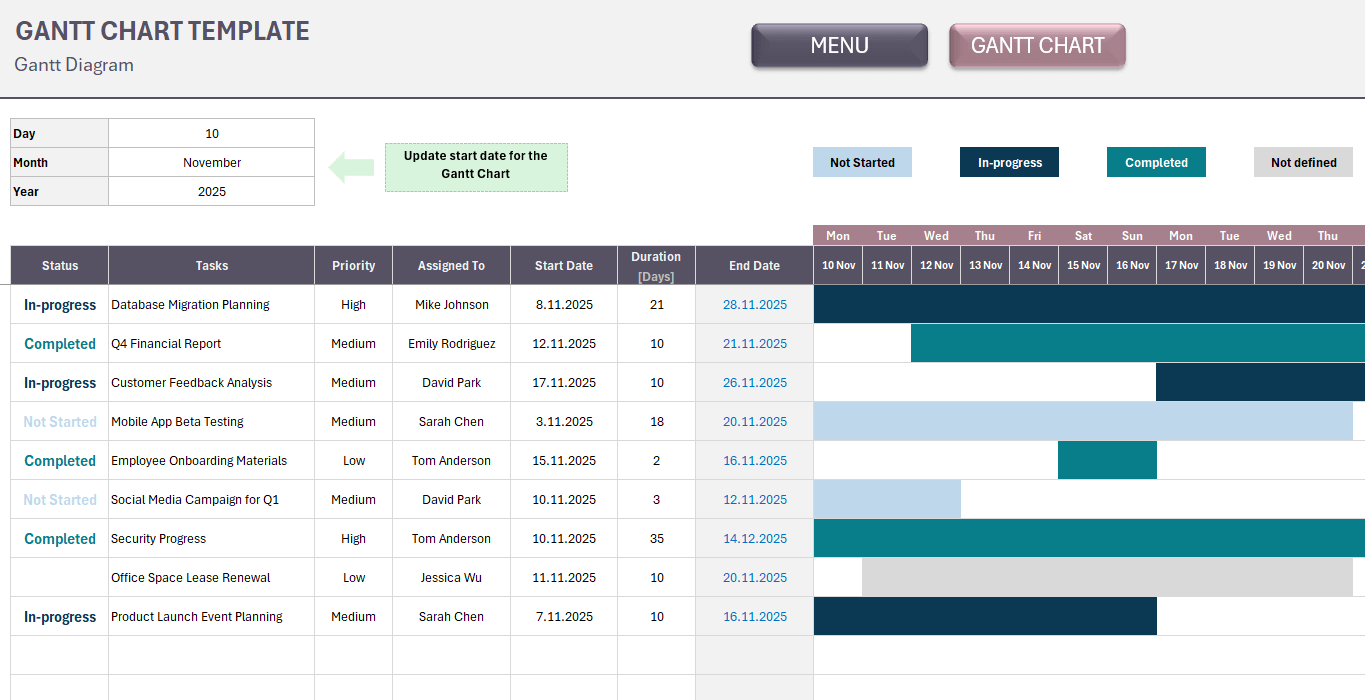
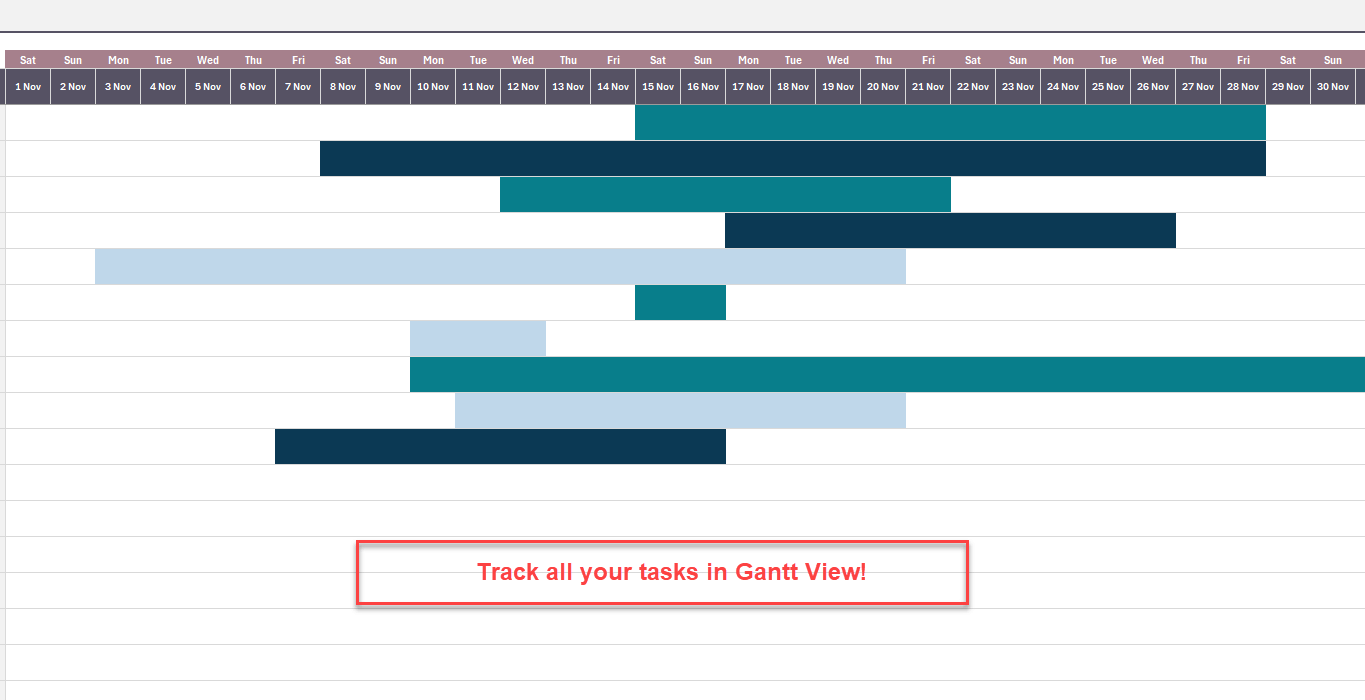
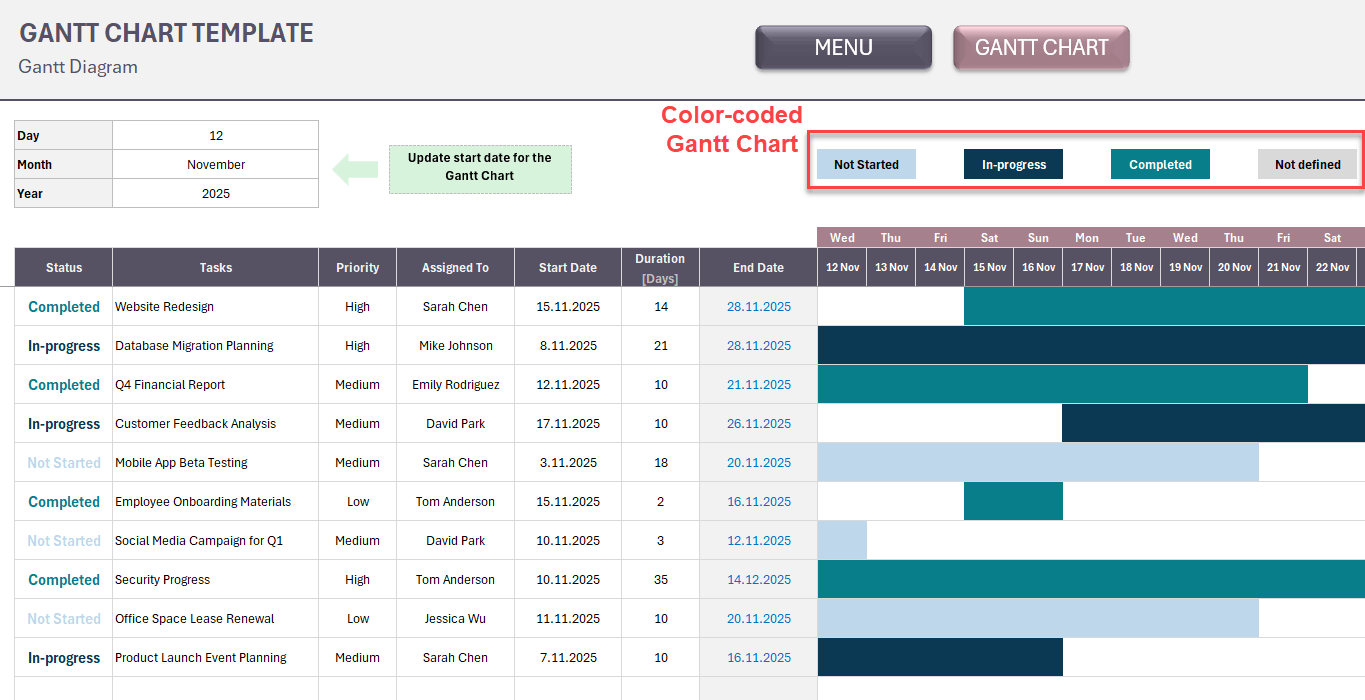
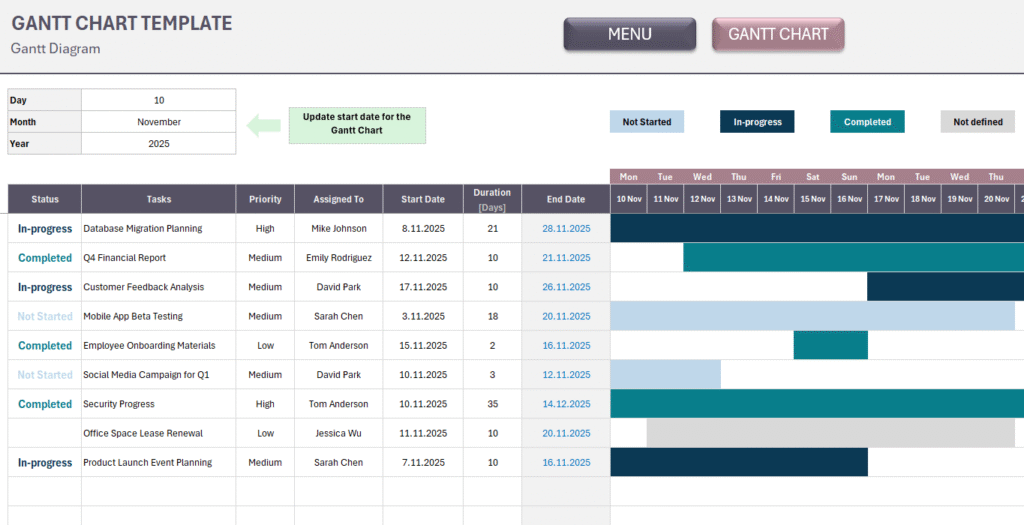
So, this is the main section of your template. You’ll both list your tasks and see your gantt view here.
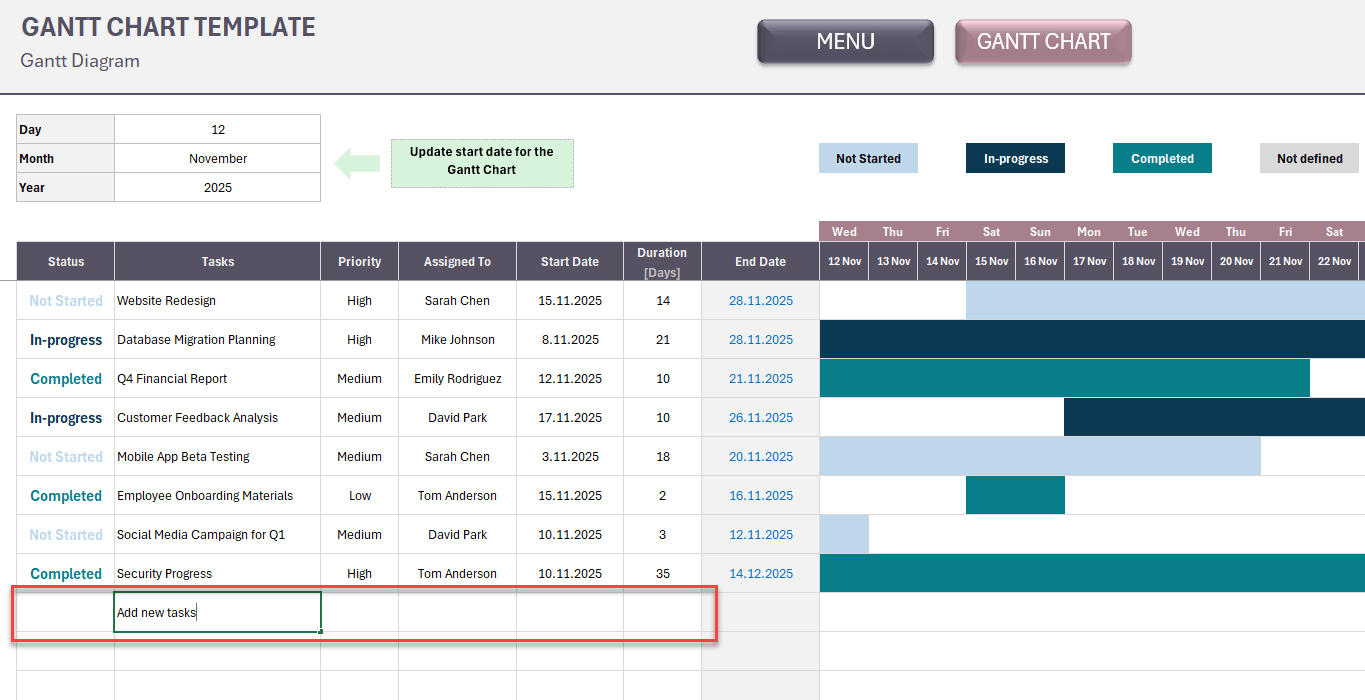
First, start adding your tasks with Task Name, Priority, Assigned To, Start Date and Duration information. The template will calculate the End Date.
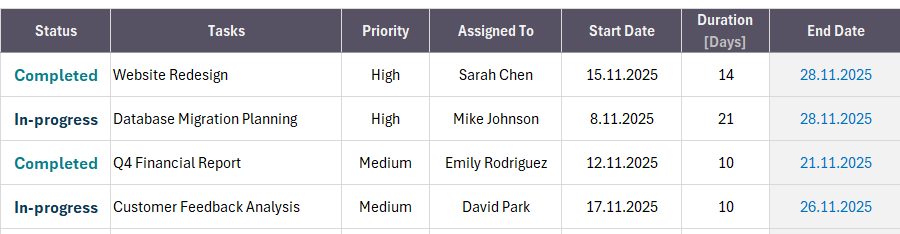
These are basic information for the Task Management template.
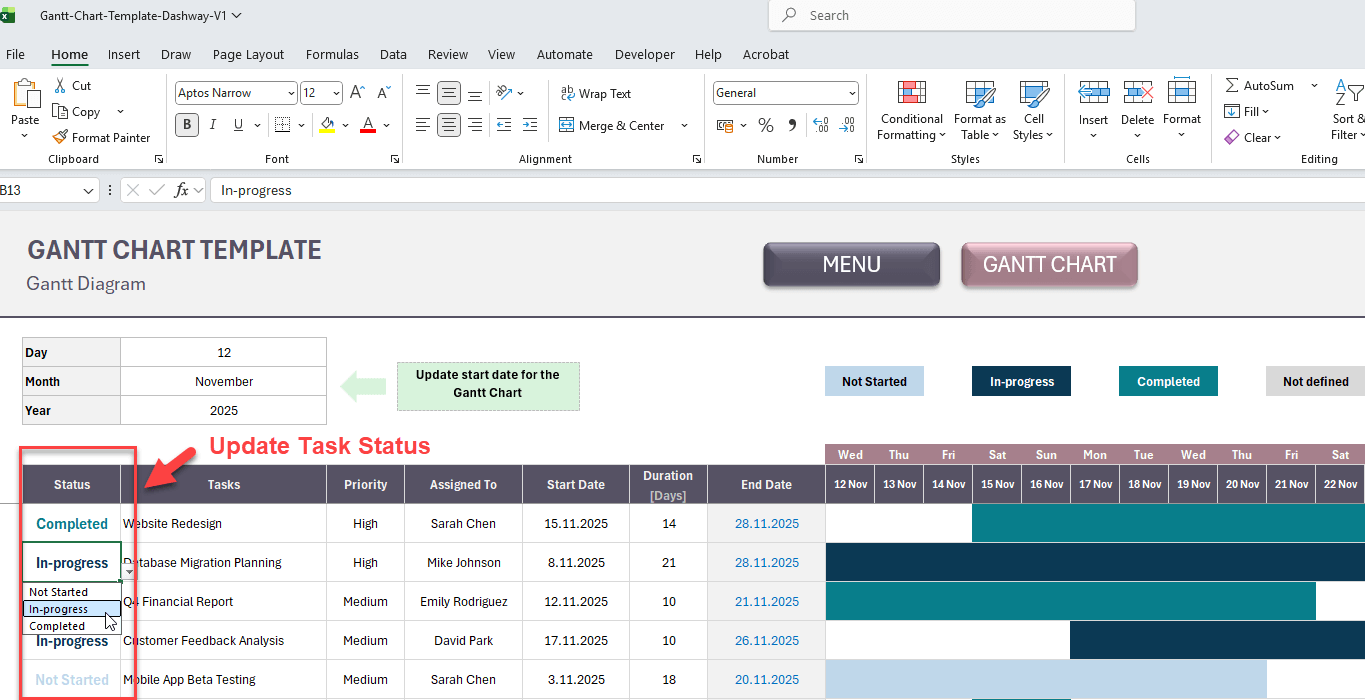
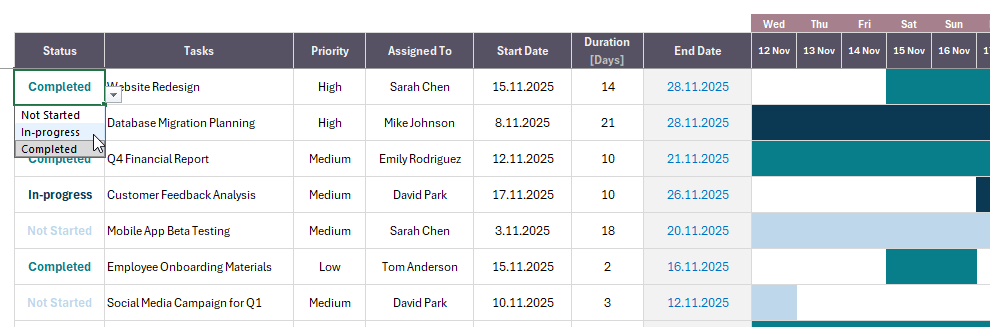
Then, you can update Task status from the related row. The Gantt colors will change according to the Status of each task.
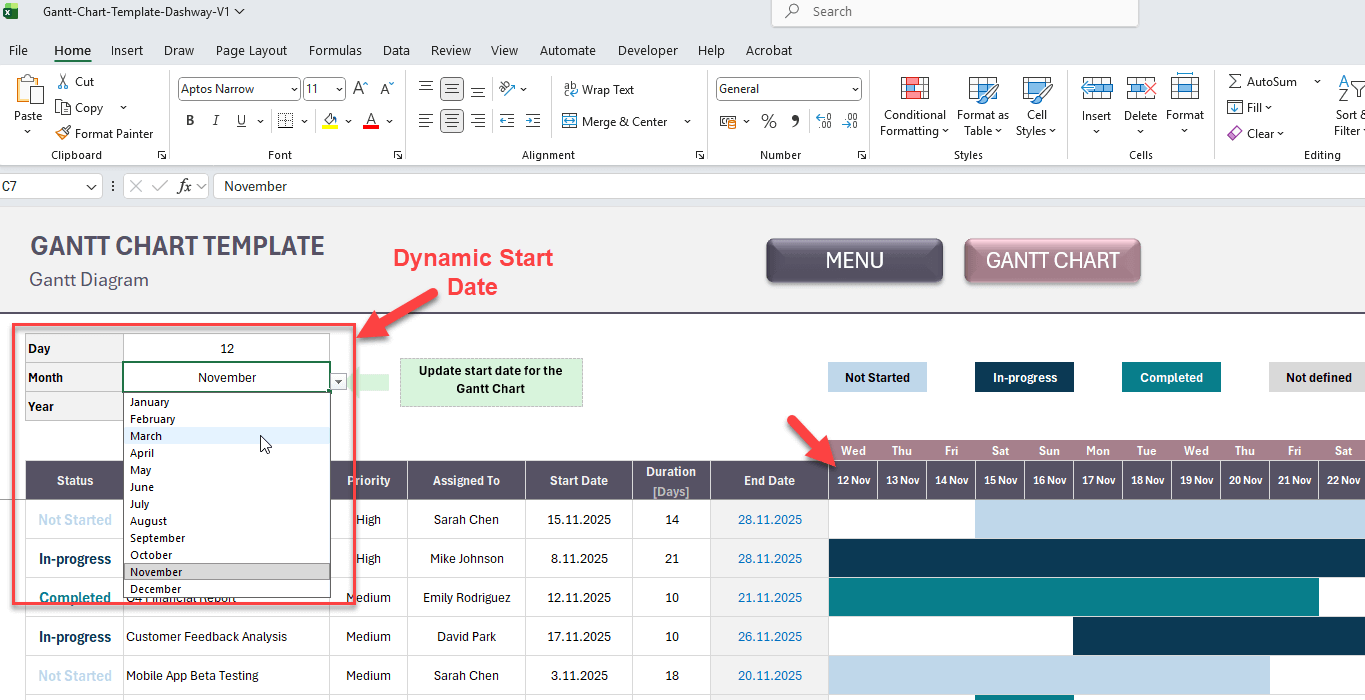
As this is a very dynamic template, we have added a Start date configuration, which will help you set the start date of your Gantt chart.

Select the Day, Month and Year to define the first day of your Gantt. So, you can play with different time intervals.
Yes, that’s all. Now you have a simple yet clean Gantt Chart to monitor and schedule your tasks.
Key Features for Excel Gantt Chart Template
- No complex formulas needed – just enter your data
- Automatic calculations save time
- Clear visual representation of task timelines
- Track multiple tasks and team members simultaneously
- Customize to fit your project needs
- Works with Excel (compatible with Google Sheets)
- Editable and printable
Frequently Asked Questions (FAQs)
What’s a Gantt Chart?
A Gantt chart is a visual project management tool that displays tasks along a timeline. It helps you see what needs to be done, when it’s due, who’s responsible, and how tasks overlap. You need one to avoid missed deadlines, improve team coordination, and keep projects on track.
Can I use this Gantt Chart Excel template for multiple projects?
Yes! You can use the template for unlimited projects. Simply save a new copy for each project you’re managing. There are no usage restrictions or limits.
How many tasks can I add to the Gantt Chart?
The Dashway’s Gantt Chart template allows you to add up to 1.000 tasks.
Can I customize the priority levels and status options?
Absolutely. The Menu section lets you define your own priority levels (like High, Medium, Low) and status options (like Not Started, In Progress, Completed, On Hold) to match your workflow.
Can multiple team members use this template simultaneously?
If you upload the template to Google Sheets, multiple users can view and edit it simultaneously. For Excel, you can share the file, but only one person can edit at a time unless you use Excel’s co-authoring features in OneDrive.
Do I need any special skills to use this template?
No special skills required! The template is designed for ease of use. If you can enter data into Excel cells, you can use this template. No formula knowledge or technical expertise needed.
How to make Gantt Chart in Excel?
Excel is a perfect tool to create Gantt diagrams:
- List your tasks with Start Date and End Date.
- On the top header, first add the start date and add other days with adding +1 to the left cell.
- Formulize the table cells as if the date above is between the Start Date and End date.
- Use conditional formatting to set the gantt colors
Or, just download Dashway Gantt Chart and do not worry about formulas or formatting.
Do you need help for your Excel files?
Let our Experts create custom files for you!
You may be also interested in:
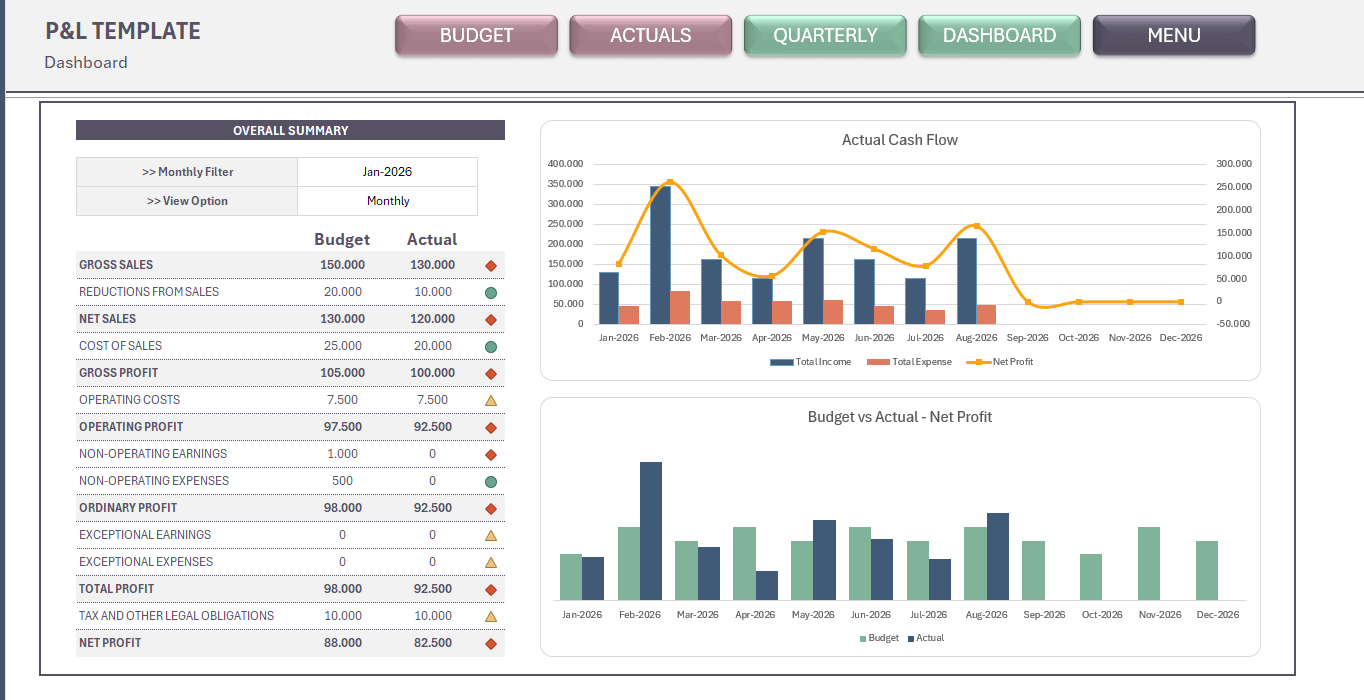
Profit and Loss Excel Template
Profit and Loss Excel Template. Prepare yearly budget and compare actuals. Professional format. Accounting spreadsheet. P&L Excel file. Printable, editable.
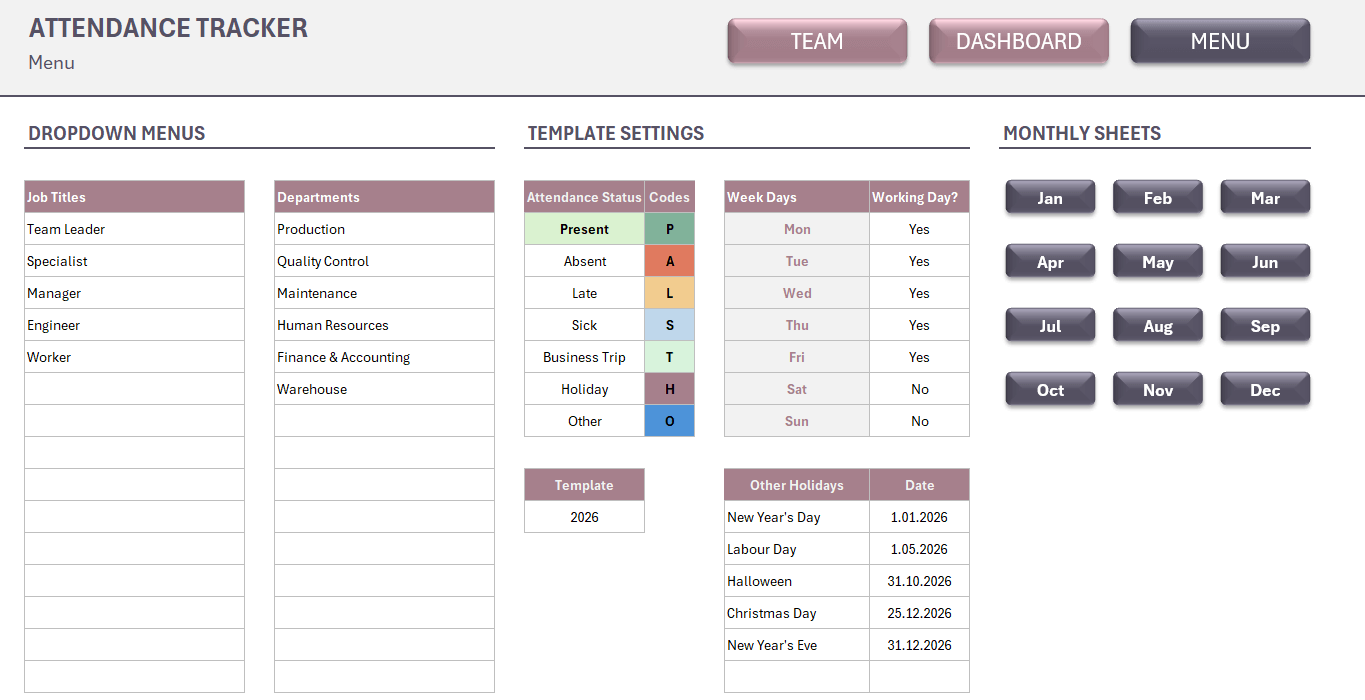
Attendance Tracker Excel Template
Attendance Tracker Excel Template. Spreadsheet to track attandance and absence for a team: employees, students, course attendants, etc. Dashboard included.
Gantt Chart Excel Template
Gantt Chart Excel Template. Simple task management tool. List your tasks and monitor entire project in a timeline. Editable Excel spreadsheet.
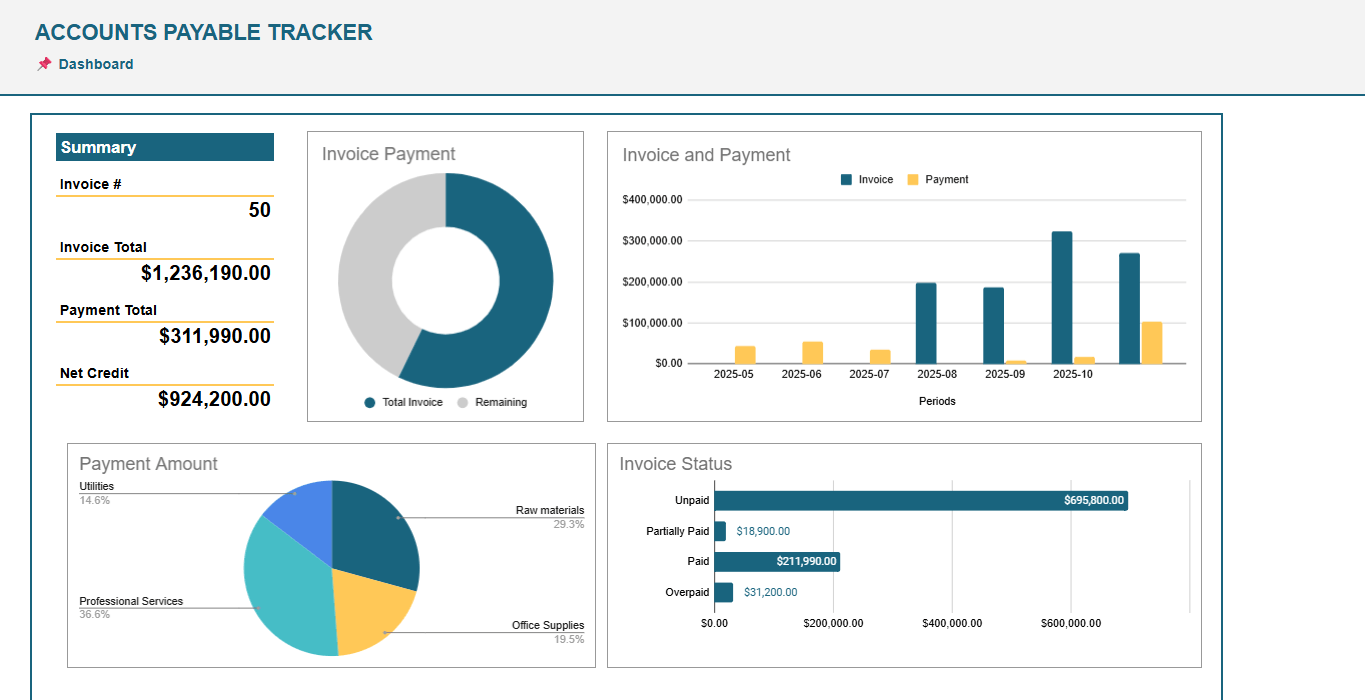
Accounts Payable Google Sheets Template
Accounts Receivable Tracker for Google Sheets. Monitor vendor invoices and payments. No more overdue bills! Ready spreadsheet. Printable account statement.
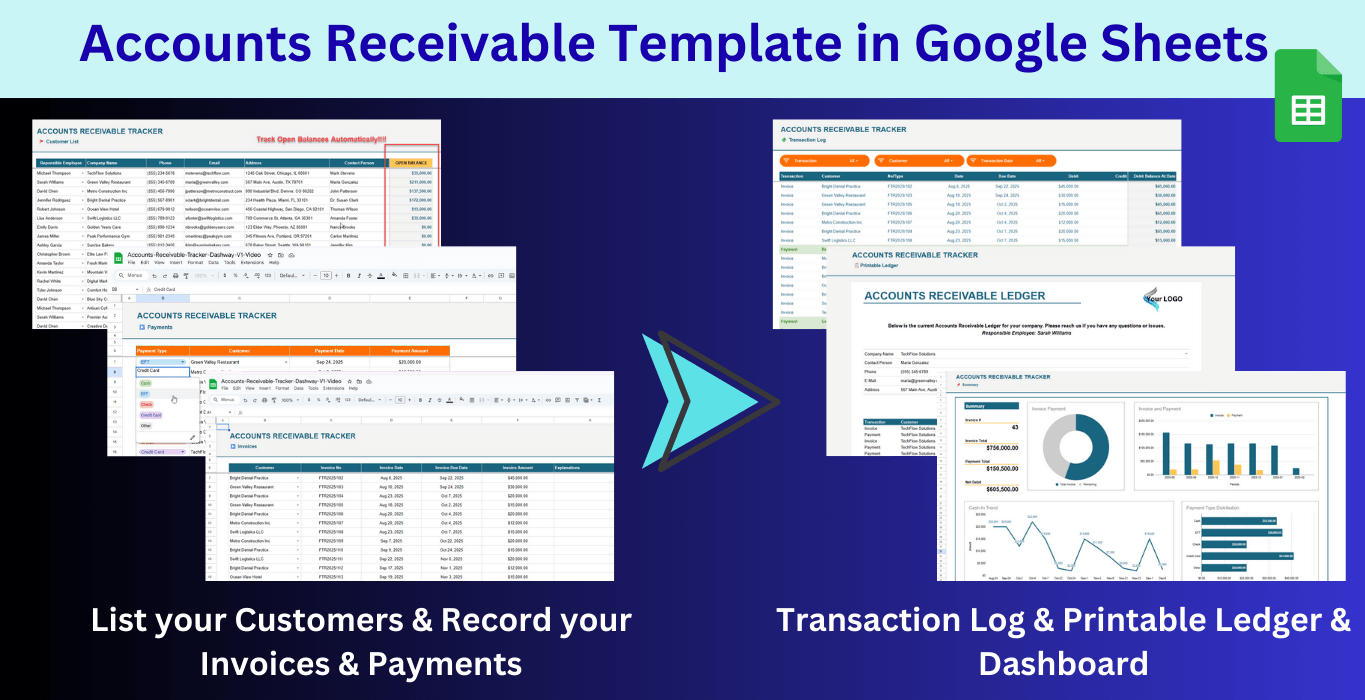
Accounts Receivable Google Sheets Template
Accounts Receivable Google Sheets Template. Record your invoices and payments, then track cash flow and open balances. Accounts Receivable Tracker. Ready file.
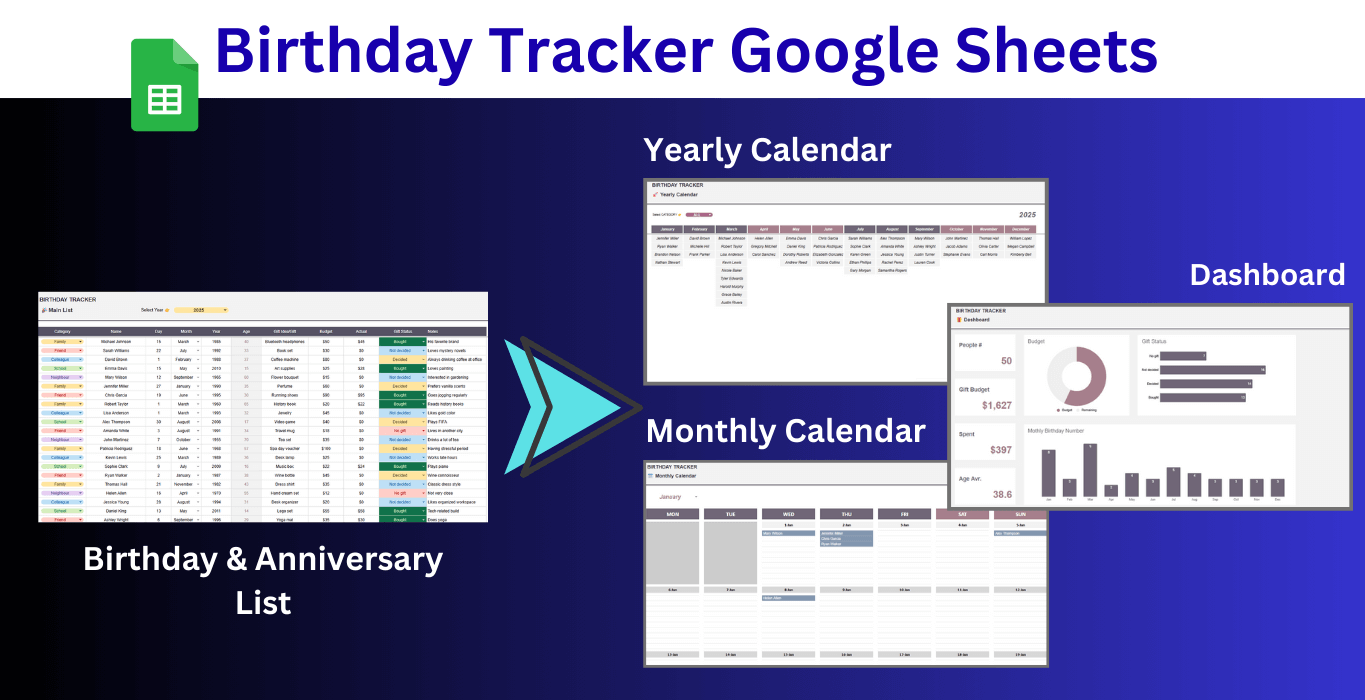
Birthday Tracker Google Sheets Template
Download Birthday Tracker Google Sheets Template. Keep track of all important dates throughout year. Gift planner and anniversary organizer.